CRE8 News & Knowledge

Your central hub for the latest CRE8 extension updates, tutorials, and community support.

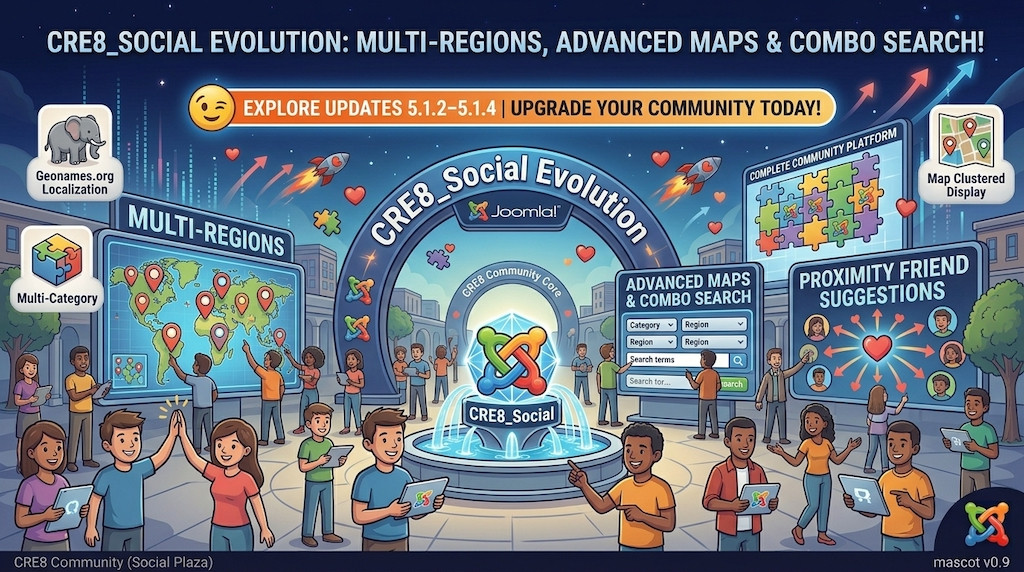
The CRE8_Social Evolution Continues: Unpacking Updates 5.1.2 through 5.1.4

Gemini_Generated_Image_ghthghthghthghth

If you've been following the rebirth of CRE8_Social as closely as I have, you know how fast this project is moving. The latest release wave—spanning v5.1.2 (Major Update), v5.1.3 (Stable), and v5.1.4 (Maintenance)—is a massive leap forward, especially if you love location features, mapping, and deep category organization.As a fan of the extension, ...

Continue reading
  45 Hits

Empower Your Community: Meet CRE8_Discuss – The Modern Forum Solution for Joomla!

Gemini_Generated_Image_sm7q0rsm7q0rsm7q

The CRE8 ecosystem continues to grow! Expanding beyond our blogging, social, and commenting components, we are thrilled to introduce the next major addition to the suite: CRE8_Discuss. Whether you want to build a bustling discussion forum alongside CRE8_Social or simply add a clean, fast, standalone forum to your existing Joomla site, CRE8_Discuss ...

Continue reading
  55 Hits

Speak Up, Join the Conversation: Meet CRE8_Comments – The Free, Powerful Modern Commenting Suite for Joomla!

Gemini_Generated_Image_dn4p7hdn4p7hdn4p

The CRE8 lineup continues its relentless expansion! Following the triumphant rebirth of our blogging and social components, we are thrilled to introduce another crucial piece of the puzzle: CRE8_Comments. Whether you want to drive active discussions on your blog, encourage feedback in your community stream, or simply enable reader comments on stand...

Continue reading
  54 Hits

Connect, Engage, Empower: Meet CRE8_Social – The Ultimate Successor to Your Favorite Joomla Community Component!

Gemini_Generated_Image_byrpa8byrpa8byrp

The revolution doesn't stop with blogging! Along with the rebirth of our beloved blogging tool, we are thrilled to announce that the legendary community and social networking extension has also found a bright new home. The same dedicated developer team is stepping up to bring you CRE8_Social! If you've been looking for a powerful, modern, and relia...

Continue reading
  81 Hits

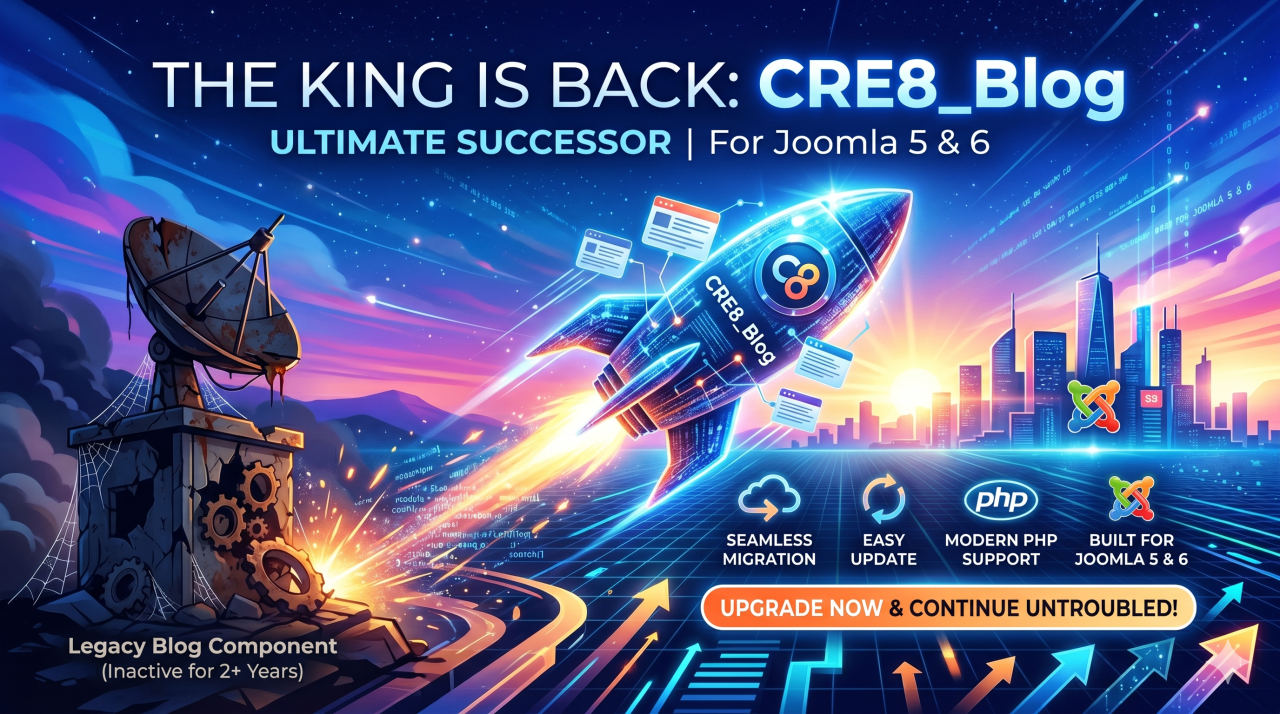
The Rescue Is Here! CRE8_Blog – The Comeback of the Legendary EasyBlog!

Gemini_Generated_Image_45xwfa45xwfa45xw

The King is Back: Meet CRE8_Blog– The Ultimate Successor to the World's Best Joomla Blog Component! Joomla bloggers, website owners, and digital storytellers—the wait is officially over! For more than two years, the community has held its breath. Since the original developers of the famous "EasyBlog" extension ceased operations and vanished from th...

Continue reading
  443 Hits

Typography

Colour Scheme

secondary primary info success warning danger

text-secondary text-primary text-info text-success text-warning text-danger

Typography (h1)

Lorem ipsum dolor sit amet, consectetuer adipiscing elit, sed diam nonummy nibh euismod tincidunt ut laoreet dolore magna aliquam erat volutpat. Ut wisi enim ad minim veniam, quis nostrud exerci tation ullamcorper suscipit lobortis nisl ut aliquip ex. (p)

Lorem Ipsum Dolor Sit Amet (h2)

Lorem ipsum dolor sit amet, consectetuer adipiscing elit (strong), sed diam nonummy nibh euismod tincidunt ut laoreet dolore magna aliquam erat volutpat. Ut wisi enim ad minim veniam, quis nostrud exerci tation ullamcorper suscipit lobortis nisl ut aliquip ex. (p)
Lorem Ipsum Dolor Sit Amet (h3)

Lorem ipsum dolor sit amet, consectetuer adipiscing elit, sed diam nonummy nibh euismod tincidunt ut laoreet dolore magna aliquam erat volutpat. Ut wisi enim ad minim veniam, quis nostrud exerci tation ullamcorper suscipit lobortis nisl ut aliquip ex. (p)

Continue reading
  0 Hits

Workflows

Workflows manage the stages your articles must go through until they are published.

The component to manage workflows is not enabled by default.

To see the workflow that we have provided with the sample data, you first need to enable this functionality.

  1. Access the administration area
  2. From 'Content' > 'Articles' > 'Options' > 'Integration' tab set 'Enable workflow' to 'Yes'
  3. Save changes

Now when you access 'Content' again you will see the section 'Workflows'.

When you edit an article you will also see the new transitions for articles related to workflows.

  57 Hits

Joomla

Joomla

We proudly present Joomla Version 6!

Learn more about workflows in Joomla.

  48 Hits

Love

Love

We love Joomla to the moon and back!

Thank you to all volunteers who have contributed!

  50 Hits

Millions

Millions

Millions of Websites are built on Joomla!

Learn more about beautiful blog presentation.

  51 Hits

Your Template

Your Template

Templates control the look and feel of your website.

This blog is installed with the Cassiopeia template.

You can edit the options by selecting the Working on Your Site, Template Settings link in the menu which is visible when you log in.

For example you can change the site background colour, highlights colour, site title, site description and title font used.

More options are available in the site administrator. You may also install a new template using the extension manager.

  118 Hits

Your Modules

Your Modules

Your site has some commonly used modules already preconfigured. These include:

  • Image (type: Custom), which holds the image beneath the menu. This is a Custom module that you can edit to change the image.
  • Popular Tags (type: Tags - Popular), which will appear if you use tagging on your articles. Enter a tag in the Tags field when editing.
  • Older Posts (type: Articles), which lists out articles by categories.
  • Syndication (type: Syndication Feeds), which allows your readers to read your posts in a news reader.
  • Login Form (type: Login), which allows your users to access restricted areas of the website.

Each of these modules has many options which you can experiment with in the Module Manager in your site Administrator. When you are logged in you can also select the edit icon in the top right corner which will take you to an edit screen for that module. Always be sure to save and close any module you edit.

Joomla! also includes many other modules you can incorporate in your site. As you develop your site you may want to add more modules that you can find at the Joomla Extensions Directory.

  80 Hits

About your home page

About your home page

Your home page is set to display the four most recent articles from the blog category in a column. Then there are links to the next two oldest articles. You can change those numbers by editing the content options settings in the blog tab in your site administrator. There is a link to your site administrator if you are logged in.

If you want to have your blog post broken into two parts, an introduction and then a full length separate page, use the Read More span to insert a break.

  109 Hits

Welcome to your blog

Welcome to your blog

This is a sample blog posting.

If you log in to the site (the Administrator Login link is on the very bottom of this page) you will be able to edit it and all of the other existing articles. You will also be able to create a new article and make other changes to the site.

As you add and modify articles you will see how your site changes and also how you can customise it in various ways.

Go ahead, you can't break it.

  103 Hits

About

This tells you a bit about this blog and the person who writes it.

When you are logged in you will be able to edit this page by selecting the edit icon.

  83 Hits

You have successfully installed EasyBlog

With Cre8_Blog, you can be assured of quality blogging with the following features: Drag and Drop Blocks Add elements to your blog with a simple drag and drop element blocks. Blog now, post later You can compose a blog now, suffer temporal writer's block, save and write again, later. Social media sharing Automatically post into your Twitter, Facebo...

Continue reading
  87 Hits